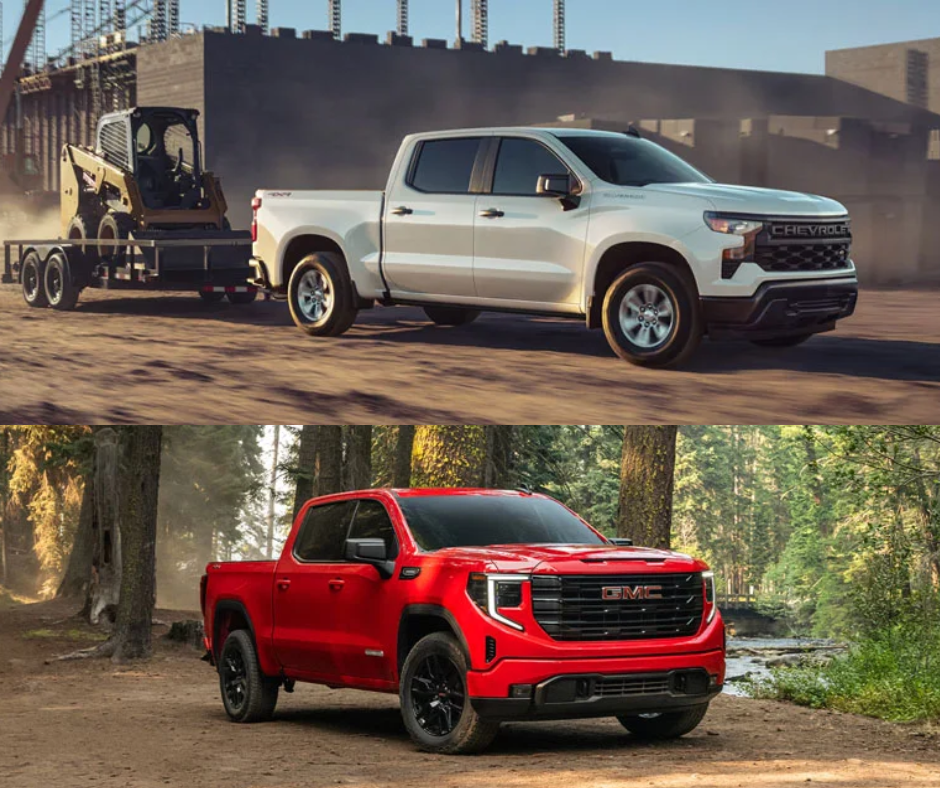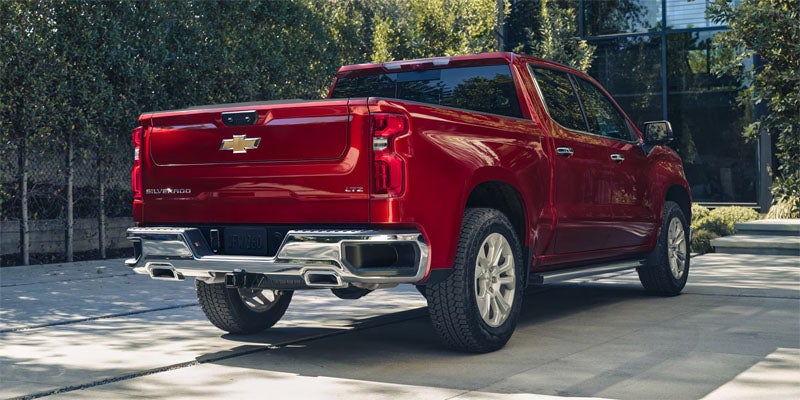





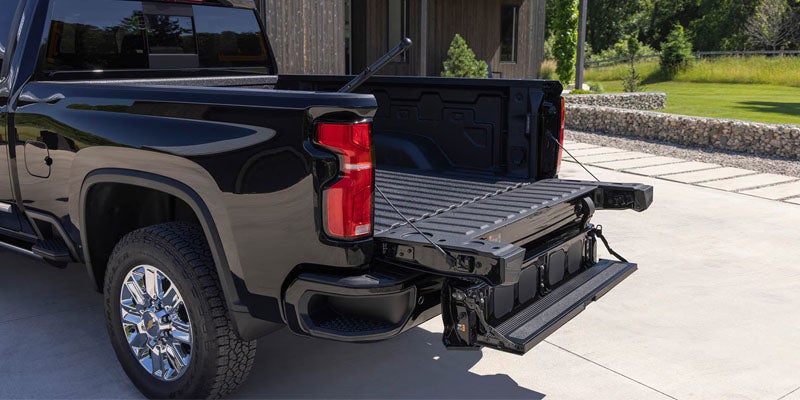
Ready to unlock the full potential of your 2026 Chevy Silverado? The right accessories make this highly capable truck truly yours. If you use your Silverado for heavy hauling or weekend adventures, numerous options exist to fit your lifestyle. Drivers near Bob Stephen Motors in Manchester, IA, have access to an extensive selection of truck accessories that elevate both function and appearance. Contact our team to learn more about outfitting your pickup today. Protect Your Investment With Bed Upgrades The truck bed remains one of the most popular areas to customize. A drop-in or spray-on liner guards against scratches, dents, and rust caused by daily payloads. Tonneau covers are another smart addition. They keep cargo secure and dry while improving aerodynamics for highway driving. Bed dividers and cargo management systems keep gear organized if you are hauling construction tools or camping equipment. Upgrade Your Exterior for Style and Function Exterior upgrades completely transform the stance of your Silverado. Running boards and nerf bars provide an easier step into the cab, which is especially helpful for lifted models. Grille guards and front bumpers add a rugged look while delivering vital front-end protection. Roof racks and bed-mounted cargo carriers expand your hauling capacity without sacrificing bed space. Adding exterior lighting, like LED light bars, improves visibility on dark roads. Enhance the Interior for Comfort and Convenience Your truck interior deserves equal attention. Popular Silverado interior accessories include all-weather floor mats, durable seat covers, and center console organizers to keep the cab spotless. Under-seat storage drawers keep essentials safely tucked away. To maximize your Apple CarPlay© and Android Auto© experience, consider technology add-ons like wireless charging pads and additional USB hubs to keep devices powered all day. Add Towing and Work-Ready Gear If you rely on your Silverado to haul heavy loads, specific accessories maximize your towing capabilities. Fifth-wheel and gooseneck hitches offer flexible towing for large trailers. Weight distribution hitches maintain stability during long hauls. Trailer wiring harnesses and brake controllers are essential for frequent towers. These additions are perfect for contractors and farmers needing a reliable workhorse. Personalize With Wheels, Tires, and Performance Add-Ons Upgrading your wheels and tires instantly gives your Silverado a custom, aggressive look. Swapping to 20" aftermarket wheels paired with oversized all-terrain tires enhances traction. Leveling kits improve ground clearance for trail driving. Skid plates and rock sliders protect the undercarriage when venturing off the pavement. These options are ideal for drivers seeking a truck that dominates both the daily commute and rugged terrain. If you drive a model equipped with the 3.0L engine, a cold air intake can further optimize airflow. Explore Customization Options at Bob Stephen Motors The 2026 Chevy Silverado is an exceptional platform straight from the factory, but the right accessories elevate the driving experience. From heavy-duty work gear to stylish exterior enhancements, perfect options exist for every driver. Stop by Bob Stephen Motors, serving Manchester, IA, to discover the best 2026 Chevy Silverado accessories. Our team is ready to help you find the ideal combination for your specific needs.
The Best GM Vehicles for Hunting, Fishing, and Outdoor Adventures in Manchester, IA
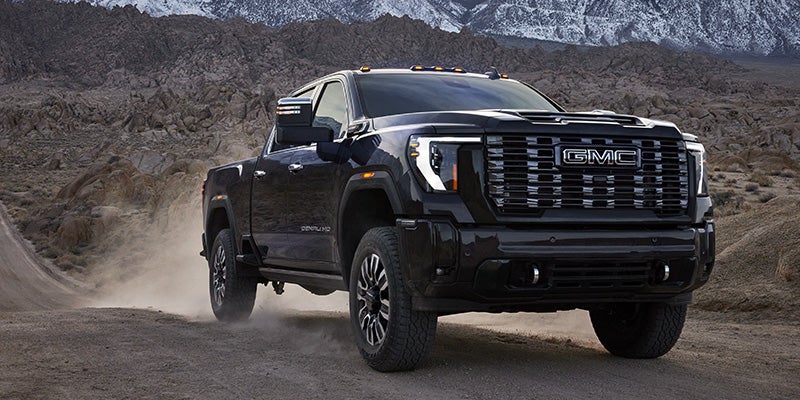
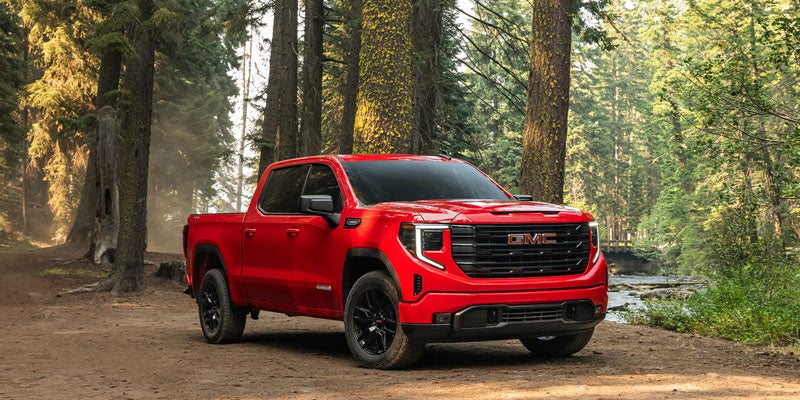
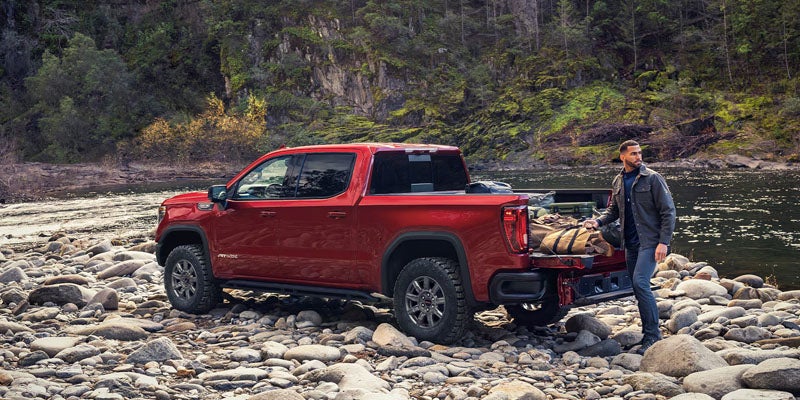
When you live in Manchester, IA, outdoor adventures begin right in your backyard. Drivers who haul gear to a hunting blind, tow a fishing boat to the lake, or explore rugged trails need a dependable truck or SUV. Bob Stephen Motors provides vehicles engineered for every excursion. The best GM vehicles for outdoor adventures deliver superior capability, towing power, and refined comfort for every trip. Contact our team today to find your ideal match. What Makes a Great Outdoor Vehicle Navigating rough terrain requires specific hardware. When shopping for an outdoor vehicle, consider towing capacity, ground clearance, four-wheel-drive systems, and overall cargo space. GMC and Chevrolet offer versatile models equipped with skid plates, off-road suspensions, and flexible storage options. These capability features ensure you tackle remote trails with total confidence. Best Trucks for Hunting and Off-Road Use The GMC Sierra 1500 serves as a capable light-duty pickup that easily navigates muddy two-tracks and long highway hauls. The rugged Sierra 1500 AT4 trim adds a factory 2" suspension lift, skid plates, and a 13.4" diagonal touchscreen featuring wireless Apple CarPlay© and Android Auto© connectivity. For heavier loads, the GMC Sierra HD provides massive towing strength and durable trail capability. Drivers wanting mid-size agility can choose the GMC Canyon AT4, which navigates narrow forest routes with ease. GMC SUVs for Family Outdoor Adventures Spacious SUVs deliver exceptional utility when hauling family and gear to a cabin or campsite. The GMC Yukon features three rows of seating, heavy-duty towing capacity, and available AT4 or Denali trims. The GMC Acadia offers a mid-size alternative that balances maneuverability with expansive cargo space. Both models rank among the best GM vehicles for outdoor adventures when you need passenger room alongside trail performance. Chevy Outdoor Vehicles Worth Considering Chevrolet vehicles deliver complementary strength across the GM lineup. The Chevy Silverado 1500 and Silverado HD provide impressive payload ratings and four-wheel-drive capability for hunting, fishing, and trail hauling. Both Chevrolet and GMC lineups offer proven dependability for outdoor enthusiasts. Electric Options for Outdoor Enthusiasts Drivers exploring electric capability will appreciate the GMC Sierra EV. Built on the Ultium© battery platform, the Sierra EV Elevation offers an EPA-estimated range of up to 410 miles on a full charge. Features like the MultiPro MidGate expandable bed allow you to carry longer items, while 800V DC fast charging quickly adds power during long road trips. Find Your Next Adventure Vehicle at Bob Stephen Motors The best GM vehicles for outdoor adventures are ready for a test drive at Bob Stephen Motors in Manchester, IA. Visit our dealership to explore our complete lineup of Sierra pickups, Yukon SUVs, and electric models. Contact Bob Stephen Motors in Manchester, IA, today to schedule your test drive and equip your next journey.