





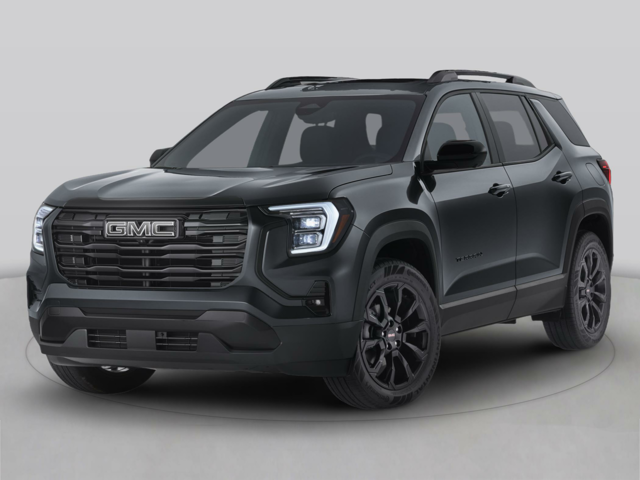
Designed to keep you connected and entertained on every drive, your GMC infotainment system performs at its best with regular maintenance. From software updates to troubleshooting, your local GMC dealer is here to help keep your system running smoothly.
Physical Maintenance
Keeping your infotainment system’s interface clean ensures optimal functionality and more precise touch responsiveness. Use a cloth to wipe down all surfaces, removing oils, dust, and debris. Use a microfiber cloth to avoid scratching the screen, and lightly dampen the cloth if heavy buildup remains. Only use water, as cleaning agents often contain abrasive chemicals that can damage your screen.
Use a soft-bristled brush or a horsehair vacuum attachment to remove debris from the system’s nooks and crannies. Compressed air is also effective for removing crumbs and dust from the infotainment system’s knobs, buttons, and crevices. For detailed cleaning instructions specific to your GMC, refer to your owner’s manual.
Over-the-Air Updates
GMC is continuously improving their software features, and over-the-air updates are the fastest way for drivers to enjoy them. These updates enhance your ownership experience by providing access to new programs, fixing bugs, and boosting all existing features from entertainment to navigation to voice assistance.
How Do These Updates Work?
New features and patches are automatically downloaded to your GMC as soon as they are released, and you’ll receive a notification prompting you to install them the next time you park your vehicle. Your onboard screen will guide you through the installation steps, which must be completed while your GMC remains in park.
If you are prompted to install a new update but need to operate your GMC, you can schedule the installation for a specific time or select “remind me later.” If you ignore the installation prompt and exit your GMC, the update will be offered again for up to 30 ignition cycles.
How Do I Make Sure I’m Receiving These Updates?
To be eligible, you must have already accepted both the User Terms for Connected Vehicle Services and the OnStar Privacy Statement for your GMC. If you’ve already done this, go to the “System” tab, select “Vehicle Software,” and then choose “Updates.” On the next screen, click “Software Information.” If “System Update” appears on the list, your GMC is eligible for over-the-air updates.
Over-the-air updates require an internet connection, which can be provided through your GMC’s built-in data, any Wi-Fi network, or a hotspot.
If you need assistance maintaining your infotainment system with anything from physical upkeep to over-the-air updates, we’re here to help. If you’re looking to streamline your drive with expert guidance and personalized service, visit us here at Bob Stephen Motors in Manchester, IA, today.
Image via GMC
Connect with us


- June 2026
- May 2026
- April 2026
- March 2026
- February 2026
- January 2026
- December 2025
- November 2025
- October 2025
- September 2025
- August 2025
- July 2025
- June 2025
- May 2025
- April 2025
- March 2025
- February 2025
- January 2025
- December 2024
- November 2024
- October 2024
- September 2024
- August 2024
- July 2024
- June 2024
- May 2024
- April 2024
- March 2024
- February 2024
- January 2024
- December 2023
- November 2023
- October 2023
- September 2023
- August 2023
- July 2023
- June 2023
- May 2023
- April 2023
- March 2023
- February 2023
- January 2023
- December 2022
- November 2022
- October 2022
- September 2022
- August 2022
- July 2022
- June 2022
- May 2022
- April 2022
Archives
- 2022 Truck Models
- 2023 Chevy models
- 2023 GMC Models
- 2024 Chevy Models
- 2024 GMC Models
- 2026 Chevrolet Silverado 1500
- 2026 Chevy Models
- 2026 Chevy Traverse
- 2026 GMC Sierra 1500
- 2026 Traverse
- Bob Stephen Motors
- Bob Stephen Motors Service
- Chevrolet SUVs
- Dessert
- Food near me
- GM Service Center
- gmc inventory
- GMC trucks
- Iowa Activities
- Manchester Breakfast
- Manchester Buick Dealer
- Manchester Buick Service
- Manchester Cafes
- Manchester Chevrolet Dealer
- Manchester GMC Dealer
- Manchester Ice Cream
- Manchester, IA
- Manchester, IA Parks
- Manchester, IA Restaurants
- Pizza near Manchester
- Traverse inventory
- Uncategorized